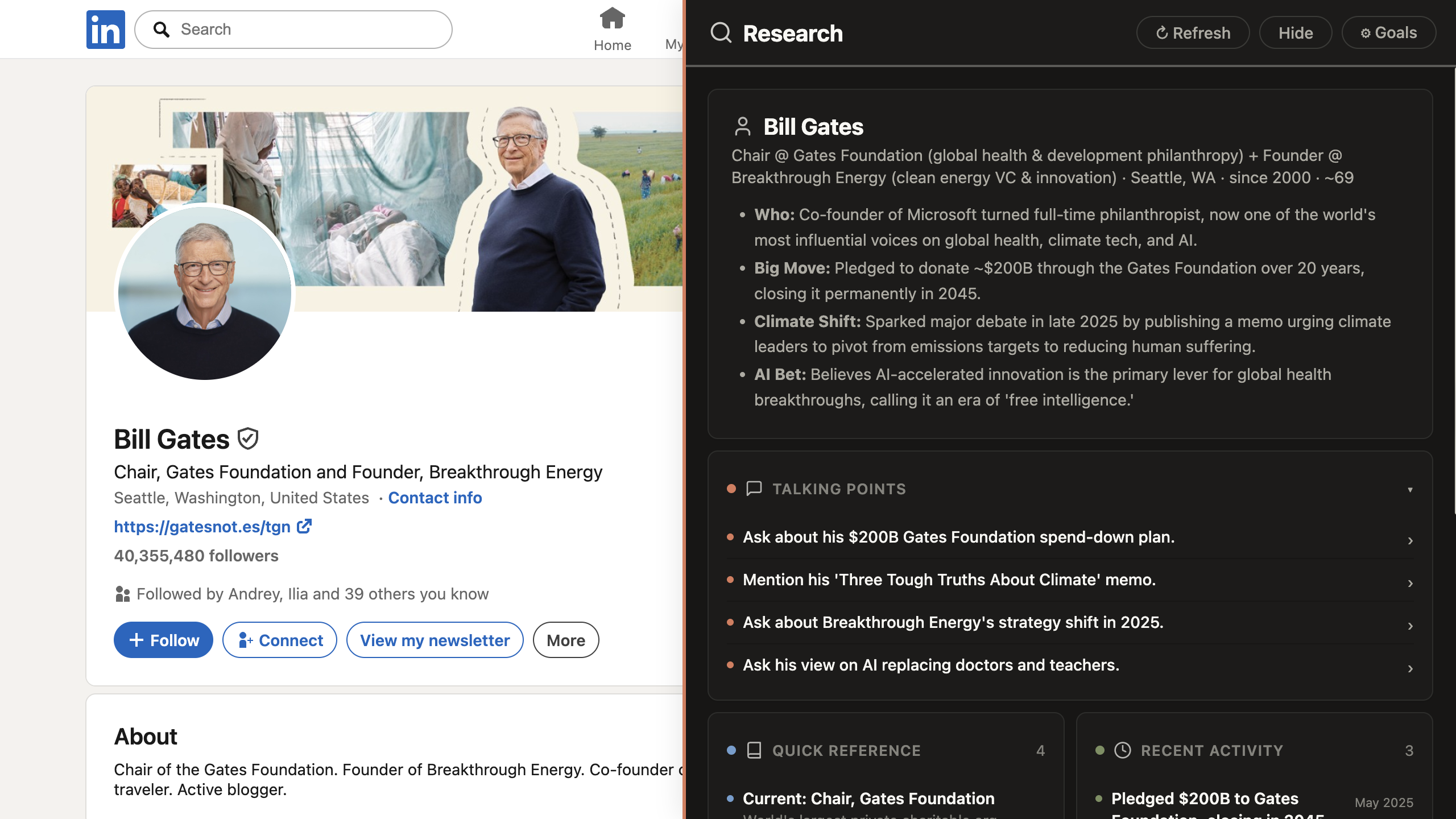
Build a LinkedIn profile app.Use the visible profile to prepare concise conversation notes: context, a useful angle, and three questions.Avoid personal inferences. Only use details visible on the page.
Build a LinkedIn profile app. Read what's visible and give me aquick brief on this person.
2
Drop the recruiter voice
Reads like a recruiter pitch — "innovative leader passionate abouttransforming…". Cut every adjective. Stick to verifiable factsonly, no marketing voice.
3
Restructure
Less paragraph, more useful. Reformat as: - 3 lines of professional context - 1 angle worth bringing up - 3 questions to askNo prose.
4
Cite the profile
For every claim, point at where on the profile it came from —"current role", "Featured post from March", "About section paragraph 2".If a claim has no source visible on the page, drop it.
5
Stop inferring personal stuff
You wrote "likely a parent" because there was one family photo.Don't infer family, religion, age, anything personal. Only what'sliterally stated in professional content.
6
Regenerate, shorter
Add a Regenerate button that produces a tighter version (half thelines). Useful when I want it small enough to glance at on mobileright before a call.
7
Side panel + nothing social
Open the brief in a side panel next to the profile. Add a Copynotes button. Make sure the app never sends a message, requestsa connection, follows, or reacts to anything.