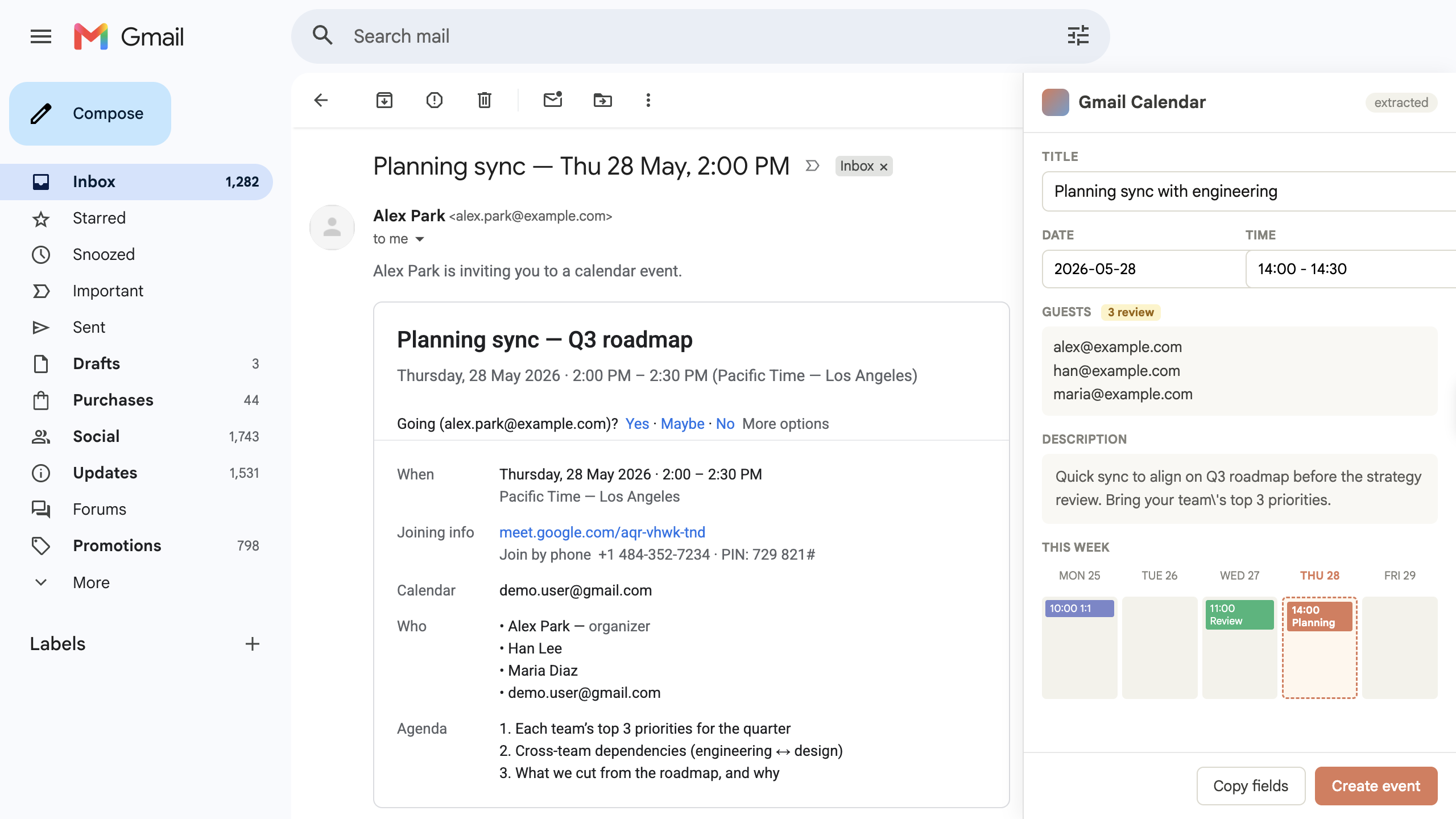
Turn an email into a draft. A meeting is buried inside an email thread. You need a clean calendar draft, but you still want to review it before saving.
Build a Gmail app for the email I have open.Extract the meeting details into an editable calendar draft.If a date, time, or attendee is unclear, mark it for review instead of guessing.
For the email I have open in Gmail, find the meeting info and turnit into a calendar event draft. Title, when, where, who — that's it.
2
It hallucinated the time
The time you filled in is wrong — the email literally says"afternoon, will confirm later" and you wrote 3pm. Don't inventvalues. If anything is fuzzy, leave it blank and mark "needs review".
3
Handle timezones
Sender said "10am my time, I'm in Berlin". Right now you wrote10am as if it's mine. Convert to my browser timezone and showboth — "10am Berlin / 1pm here".
4
Attendees come from headers, not the body
You added "Sarah" as an attendee because the email body mentionedher. Sarah isn't on the To/CC line. Pull attendees from theheaders only.
5
Don't auto-save
Right now hitting Create writes to my Calendar immediately. Iwant to review first. Default button should be "Copy fields";"Save to Calendar" is a secondary explicit confirm.
6
Side panel, not inline
The draft is shoved inside the email body. Open it in a sidepanel next to the message so I can compare while editing.